
OS Land Mesher
Export the ground under a prim as a mesh you can upload.
 OS
OS
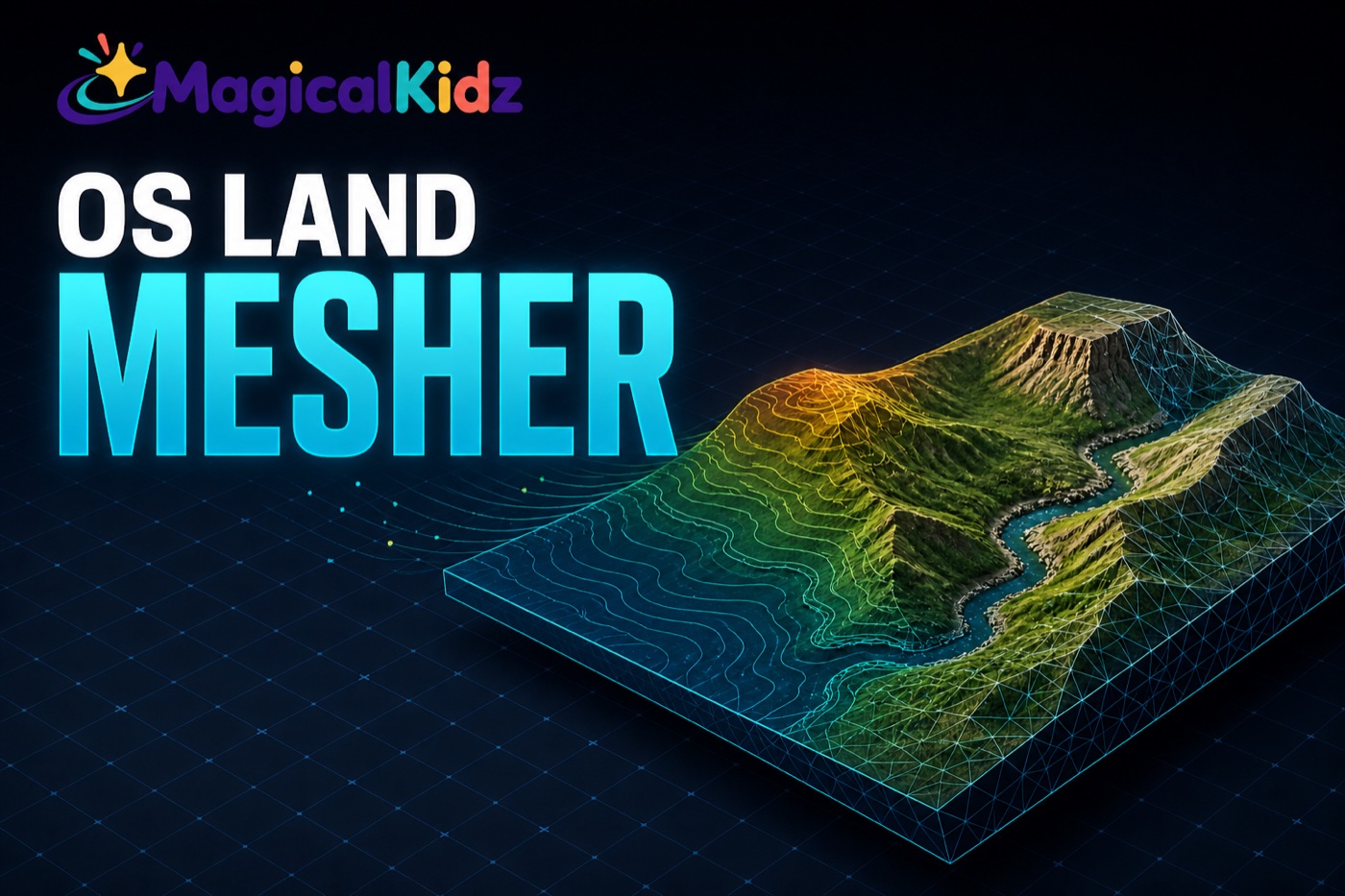
OS Land Mesher turns real terrain into a mesh. Rez the prim, stretch it over the land you want, and export — whatever ground the prim covers is what you get. The finished COLLADA file waits for you on this site, and you can download it again whenever you need it.
The prim is the selection
There is no drawing tool and no coordinates to type. Stretch the prim in the edit window, or pick a size from its menu and it resizes itself. A rectangular prim gives a rectangular mesh. The status line tells you the footprint, the point count and the triangle count before you commit to anything.
Built to survive a 64KB script
A 128m area sampled every metre is 16,641 height readings — around 130KB of numbers, which is twice what a script is allowed to hold. So it never holds them: it samples a chunk, sends it, forgets it, and repeats. Peak memory is one chunk no matter how large the export.
It does not lose your work
Every chunk is acknowledged. A chunk that times out is sent again and lands identically, because its position is worked out from its sequence number rather than counted up as it goes. The web side can even rewind the script to a chunk it missed. A sim restart, a slow moment or a dropped reply costs you the retry, not the export.
Ready for the uploader
You get COLLADA: one metre per unit, Z up, with normals and planar UVs already on it. Anything over 21,844 triangles is split into submeshes so the mesh uploader will take it, and the vertices are centred on the area you exported with the lowest point at zero, so it rezzes where you put it instead of out at the region corner. Open it in Blender if you would rather work on it first.
Your meshes are kept
Finished exports stay on your account for a year. Sign in and go to My Land Meshes to download any of them again.
Getting it working
The version this product reports to the update server.